
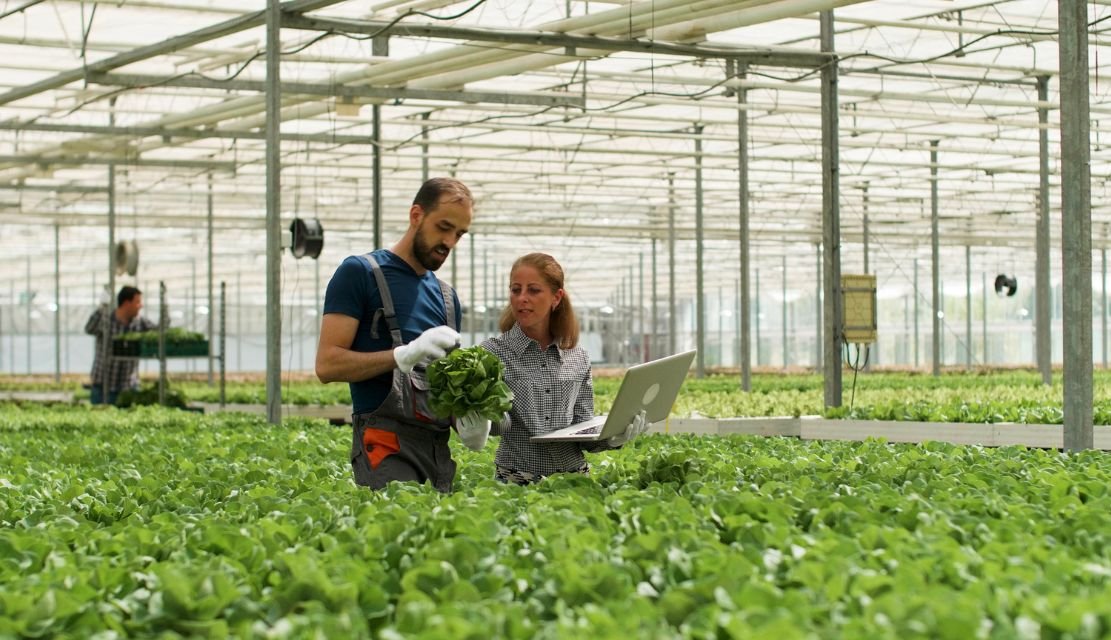
Agri-tech promises higher yields, fairer prices, and climate resilience. Yet the farmers who stand to gain the most are often the ones least able to use the tools built for them. Patchy connectivity, low digital literacy, language barriers, and interfaces designed for urban smartphone users keep adoption stuck in pilot mode. Closing this gap is not a charity exercise. It is the single biggest lever for unlocking growth in agricultural software, marketplaces, advisory platforms, and farm management systems. This guide breaks down what accessibility really means in agri-tech, where teams go wrong, and how thoughtful design turns rural users into long-term customers.
The digital divide in farming is not one problem. It is a stack of overlapping constraints that compound each other:
According to the FAO, the Broadband Commission estimates that a $428 billion investment is needed to ensure everyone is connected by 2030, and rural women remain among the most disadvantaged groups when it comes to connectivity. Accessible design cannot replace infrastructure, but it determines whether the connectivity that exists actually gets used. fao
Agri-tech founders often treat accessibility as a Phase 2 concern. That sequencing kills retention. When a farmer abandons an app after one frustrating session, the reacquisition cost is steep. Field officers, NGOs, and cooperatives become reluctant to onboard new users. Adoption curves flatten before product-market fit is proven.
Designing for accessibility from day one drives three measurable outcomes:
Research published in Frontiers in Sustainable Food Systems notes that smallholder farmers face high digital tool costs and low income, exacerbating the digital divide, and that community engagement and digital literacy are essential to bridge the rural to urban gap. Software that respects these realities wins the long game. Frontiers
Build for entry-level Android phones with 2 GB RAM. Keep APK sizes under 25 MB. Avoid heavy animations. Use system fonts. Cache aggressively.
Assume the user is offline. Sync when connectivity returns. Show clearly what data is pending. Never block a critical action, like logging a harvest or saving an advisory, behind a live network call.
Support major regional languages with native speakers, not auto-translation. Offer language selection on first open, not buried in settings. Use script and voice together so non-readers are not left out.
Pictograms for crops, animated demonstrations for procedures, and tap-to-listen voice notes are far more inclusive than dense paragraphs. Plantix and similar platforms have shown that image-based diagnosis works because it bypasses the literacy barrier entirely.
Screens are read in direct sunlight, often through cracked glass. Aim for contrast ratios well above WCAG minimums. Increase touch target sizes for users wearing gloves or with calloused hands.
Beyond principles, certain patterns consistently outperform in agri-tech contexts:
A specialised ux design agency working in agri-tech will validate these patterns through field testing with real farmers, not lab proxies. Co-design sessions in the village, observation during the actual planting or harvest cycle, and iterative prototype testing in low-bandwidth conditions are essential.
Engaging experienced mobile app design services early helps teams avoid these traps and ship a product calibrated for the actual device ecosystem in rural markets.
Treat accessibility as a measurable KPI, not a checkbox. Useful metrics include:
Pair quantitative tracking with qualitative reviews through structured ux research services. Quarterly field studies tend to surface issues no analytics dashboard will catch.
In-house teams often lack exposure to rural research environments. The right design partner brings field-tested patterns, multilingual research capability, and an established library of accessible components. Mature ui ux design services for agri-tech typically combine ethnographic research, low-bandwidth prototyping, voice interaction design, and a measurement framework that tracks adoption among under-served users.
For founders and product leaders in India, Africa, and Southeast Asia, where the agri-tech opportunity is largest, this combined capability shortens the path from pilot to scale.
Bridging the digital divide in agri-tech is a design problem before it is a technology problem. The platforms that succeed are not the ones with the most features. They are the ones that respect bandwidth limits, language diversity, literacy variance, and the daily realities of a working farm. Build for the lowest device. Treat offline as default. Use voice and visuals to remove literacy from the equation. Measure accessibility with the same discipline as revenue. Do this, and the digital divide stops being a barrier to your market and becomes the moat that protects it. Teams ready to act can start with a focused accessibility audit and a field research sprint before committing to a full redesign.
Accessibility in agri-tech means designing software that works for farmers regardless of device quality, network speed, language, literacy level, or prior digital experience. It covers offline functionality, voice and visual interfaces, regional language support, high-contrast layouts for outdoor use, and assisted onboarding through field officers.
Smallholder farmers face overlapping barriers: unreliable connectivity, low-end devices, limited literacy in English or even their first language, and distrust of unfamiliar digital systems. When apps are not designed for these constraints, adoption stalls, retention drops, and the cost of supporting users through call centers or field visits rises sharply.
Retrofitting accessibility after launch is expensive and often breaks existing flows. Designing for low-end devices, offline use, and multiple languages from day one improves activation rates, reduces support costs, and builds the kind of word-of-mouth growth that defines successful rural products. It is a commercial decision, not a compliance one.
Voice-first interactions in regional dialects, image-based navigation, progressive disclosure of one decision at a time, visual confirmation of transactions, assisted onboarding by field agents, and clear data usage indicators consistently outperform conventional SaaS patterns. Testing must happen in real field conditions, not lab settings.
Track activation and retention segmented by device tier, language, and region. Monitor task completion rates for voice flows. Measure session reliability under 2G conditions. Run quarterly field studies with real farmers and field officers. Pair this with qualitative research to surface friction that analytics alone cannot detect.

C – 81C, Sector – 8, Noida 201301, India


1025 Beamon Drive, Franklin 37064 Tennessee, USA
Sveavagen 34 111 34 Stockholm, Sweden
A-10, Sahastradhara Rd, Doon IT Park, Dehradun, Uttarakhand

© 2026 UX STALWARTS. All rights reserved.

