
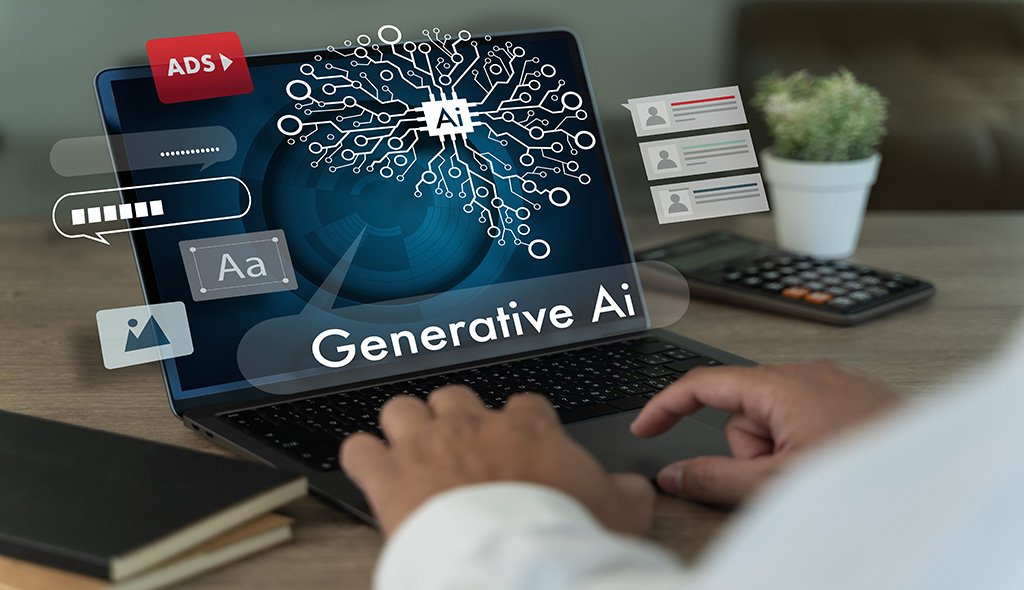
For years, accessible design carried a reputation for being slow, expensive, and technically fussy. Teams often treated it as an audit at the end of a project, not a design input at the start. That equation is shifting. Artificial intelligence now sits inside the daily toolset of designers, researchers, and engineers, and it is changing how accessibility gets planned, built, and tested. The shift is not cosmetic. It is structural. AI compresses the effort behind alt text, captions, contrast checks, screen reader validation, and testing with people with disabilities. This blog breaks down what actually changes when AI enters an accessibility workflow, where it delivers real value, and where it still needs a human in the loop.
Accessible design used to sit outside the main product roadmap. Compliance teams flagged issues weeks after launch, engineers scrambled to patch them, and the same cycle repeated on the next release. Three pressures have moved accessibility to the center of the product conversation. Litigation risk has climbed sharply across the US, EU, and India. The WCAG framework has matured into a widely accepted global standard. And users with disabilities now represent a purchasing group most brands cannot afford to exclude. According to the World Health Organization, more than 1.3 billion people live with a significant disability worldwide. That is not a niche audience. It is roughly one in six of your potential users, and they are actively judging your product on whether it works for them.
AI does not replace accessibility expertise. It removes the manual work that used to consume that expertise. Three shifts matter most.
The first is generation speed. Models can draft alt text, transcripts, captions, and simplified content in seconds, freeing designers to review and refine rather than write from a blank page. What used to be a two-week content backlog for a large site is now a two-day review cycle. The second is continuous auditing. AI-powered scanners such as the axe-core library and Google Lighthouse can now flag WCAG issues at commit time, not release time, so accessibility feedback lands inside the same sprint where the code was written and inside the same pull request the engineer is already reviewing. The third is real-time adaptation. Interfaces can reshape themselves for the person in front of them, adjusting contrast, font size, motion, voice control, and dwell timing without the team shipping ten separate versions of the same screen. That personalization used to require a dedicated engineering team; today a well-configured model can handle much of it inline.
The strongest AI use cases in accessibility are the ones that reduce human effort without reducing human judgment. A few areas stand out.
Product teams working with mature ux research firms that already have accessibility depth will find that AI compounds the return rather than replacing it. Research still defines who the product serves. AI simply helps the team serve those users faster and at lower cost per iteration.
Automated accessibility tools reliably catch only a portion of the issues that matter. Research by Deque Systems suggests that automation identifies a meaningful share of accessibility defects, but the majority still require human review. A screen reader may announce a link, but only a person can tell you if that announcement makes sense in context. A caption may be technically accurate, but only a lived-experience user can confirm whether it captures speaker intent, tone, and pacing. AI-generated alt text often misses the reason the image was chosen in the first place, describing what is visible rather than what is meaningful. And no model today can substitute for usability testing with actual disabled participants. Companies that lean on AI as a compliance shortcut end up shipping products that pass scanners and still frustrate the users the scanners were meant to protect.
Bringing in specialized user experience research services keeps the human signal in the loop. AI scales the mechanical work. Research keeps the outcomes honest. That balance is what separates products that are technically compliant from products that are genuinely inclusive.
Teams getting the most from AI treat it as an accessibility layer, not an accessibility owner. A workable stack looks like this:
Pair this stack with a dedicated AI interface design discipline that thinks carefully about model behavior, prompt design, and graceful fallback states, and accessibility stops being a fire drill. It becomes a background process that supports every feature the team ships.
Two ideas keep showing up in accessibility conversations and both deserve pushback. The first is that AI will eventually make manual accessibility work obsolete. It will not. Language and vision models are excellent at pattern completion and weak at contextual judgment, which is exactly what accessible design demands most. The second is that accessibility is a cost center. In practice, accessible products convert better, retain more users, and expose the team to less legal risk. The return on accessibility investment often shows up in metrics the compliance team never touches, from lower support tickets to higher mobile completion rates and stronger organic search performance driven by cleaner semantic markup. A third assumption worth challenging is that AI-generated accessibility work is inherently lower quality than manual work. Reviewed carefully and paired with human oversight, AI drafts frequently match what a mid-level specialist would produce, at a fraction of the turnaround time.
AI is not a substitute for accessible thinking. It is a lever that makes accessible thinking cheaper to apply. Products that combine automated tooling with genuine research and lived-experience testing will lead the next wave of inclusive design. The rest will keep patching lawsuits and losing users they never meant to exclude. For teams ready to move from reactive fixes to proactive inclusion, the pieces are already available. What matters now is how they are assembled.
For a deeper foundation on the standards behind this work, see our related guide on accessibility in UX design and ADA compliance.
AI improves accessibility by automating repetitive checks and content generation that used to slow teams down. It can draft alt text, generate captions, flag WCAG violations at commit time, simplify complex copy for users with cognitive disabilities, and adjust interface elements such as contrast, font size, and motion in real time. The result is faster remediation, broader coverage across large sites, and more room for designers to focus on the judgment-heavy parts of inclusive design.
No. AI can identify a meaningful share of accessibility defects automatically, but the majority still require human review, particularly for context, tone, and intent. Screen reader announcements, caption accuracy, and alt text relevance all need judgment that current models cannot reliably deliver. The strongest workflows combine automated tools with manual keyboard and screen reader testing, plus usability sessions with participants who actually use assistive technology.
Teams typically combine several categories of tools. Axe-core and Google Lighthouse handle automated WCAG scanning. Vision models generate alt text drafts. Speech recognition services produce captions and transcripts. Language models simplify copy and error messages. Design tools like Figma include AI-powered contrast checkers and color-blind simulators. The right stack depends on product complexity, but most teams start with a scanner in their CI pipeline and a generation model for content.
AI-generated alt text is a strong starting point, but it should be reviewed before publishing. Vision models describe what is visible in an image, not necessarily what the image communicates in context. For decorative images and simple photographs, AI drafts are often accurate. For images that carry meaning, such as charts, diagrams, or brand visuals, a human writer needs to refine the description so it matches the intent of the content around it.
The combined benefit is broader reach at lower operating cost. Accessible products serve the significant global population living with disabilities, reduce legal exposure under ADA and similar regulations, and often perform better on core UX metrics such as conversion, retention, and support ticket volume. Adding AI to the workflow lowers the cost per accessible feature, which means teams can maintain compliance and inclusion as the product scales rather than treating accessibility as a periodic remediation project.

C – 81C, Sector – 8, Noida 201301, India


1025 Beamon Drive, Franklin 37064 Tennessee, USA
Sveavagen 34 111 34 Stockholm, Sweden
A-10, Sahastradhara Rd, Doon IT Park, Dehradun, Uttarakhand

© 2026 UX STALWARTS. All rights reserved.

