Augmented reality is moving from novelty to necessity across retail, manufacturing, healthcare, and enterprise operations. Yet most AR projects fail not because the technology falls short, but because the interface does. When users struggle to interact with spatial elements, abandon onboarding flows, or feel disoriented by poorly placed virtual objects, the entire investment erodes. An augmented reality user interface that ignores depth perception, context awareness, and gesture ergonomics creates friction that drives abandonment and dilutes ROI before the product reaches scale.
Our ar ux design methodology treats every spatial interaction as a design decision rooted in research, not assumption. From gaze mapping and gesture prototyping to environment-responsive layouts and haptic feedback calibration, we deliver augmented reality ui design that accounts for how people actually move, see, and respond in blended environments. Deliverables span interaction frameworks, spatial wireframes, 3D interface prototypes, usability validation reports, and production-ready design systems built for ARKit, ARCore, and WebXR platforms.
With eighteen years of cross-industry product design experience, UX Stalwarts brings a disciplined, research-grounded perspective to ar interface design that most AR-focused studios simply lack. Our teams have designed interfaces for complex regulated environments, high-traffic consumer platforms, and enterprise tools that demand precision. That depth allows us to approach augmented reality interface challenges with both strategic rigor and practical clarity, producing designs that perform under real-world conditions rather than just in controlled demos.

Every ar interface design engagement begins with spatial context research, mapping how users physically interact within their environment before any screen is designed. We study gaze patterns, hand positioning, ambient conditions, and device orientation to build an evidence base that shapes every layout and interaction. This eliminates guesswork and reduces costly mid-development redesigns.

Gesture-based and voice-driven inputs require precise calibration to feel natural rather than gimmicky. Our augmented reality ui design process defines clear interaction hierarchies, distinguishing primary actions from secondary controls and ensuring each input method maps to user intent without cognitive overload. The result is an interface users understand within seconds, not minutes.

Designing ar interfaces for a surgical training tool requires a fundamentally different approach than building one for a retail product visualizer. Our work across healthcare, logistics, education, and consumer goods gives us pattern libraries and usability benchmarks that accelerate design decisions without sacrificing specificity. Clients benefit from lessons already learned in adjacent verticals.

We validate every user interface augmented reality concept through spatial prototyping in actual AR environments, not flat mockups presented on monitors. Using Unity, ShapesXR, and device-native SDKs, we test depth placement, occlusion handling, and interaction zones before a single line of production code is written. This catches spatial usability failures early and protects development budgets.

AR experiences span smartphones, tablets, smart glasses, and headsets, each with distinct input models and field-of-view constraints. Our designs account for cross-platform variance from day one, creating adaptive interface systems that maintain usability whether rendered on a handheld screen or a head-mounted display. This saves clients from rebuilding interfaces when expanding to new hardware.

We share design rationale at every stage, not just polished deliverables. Clients receive annotated decision logs, usability test recordings, and design system documentation that internal teams can maintain and extend independently. This approach builds client capability alongside project delivery, ensuring the investment compounds well beyond the initial engagement.
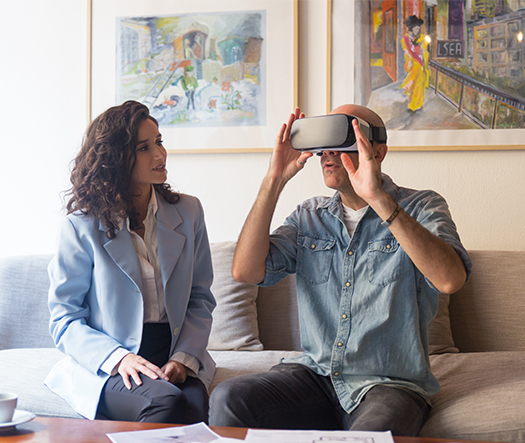
Augmented reality interface design determines whether users feel confident or confused when digital elements appear in their physical space. A well-designed ar interface reduces onboarding time, increases task completion rates, and builds the kind of intuitive trust that drives repeat usage and positive word-of-mouth. But the value runs deeper than surface-level metrics. When user experience augmented reality principles guide every decision, from element placement to input feedback, the product becomes a credible extension of the user’s workflow rather than a novelty they tolerate briefly. Our design team brings structured UX methodology to spatial computing challenges, ensuring that every interaction pattern serves a measurable business objective alongside a genuine human need.
Partner with a team that designs AR experiences built to perform.
Our methodology moves from spatial research through validated production assets, reducing risk at each stage and giving stakeholders clear visibility into design decisions.

We identify the core use case, user profiles, hardware constraints, and business objectives that will shape the entire augmented reality user interface. This phase includes stakeholder interviews, competitive landscape reviews, and environment audits that document lighting, space, and movement variables. The output is a design brief that aligns all teams on scope, priorities, and success criteria before any design work begins.

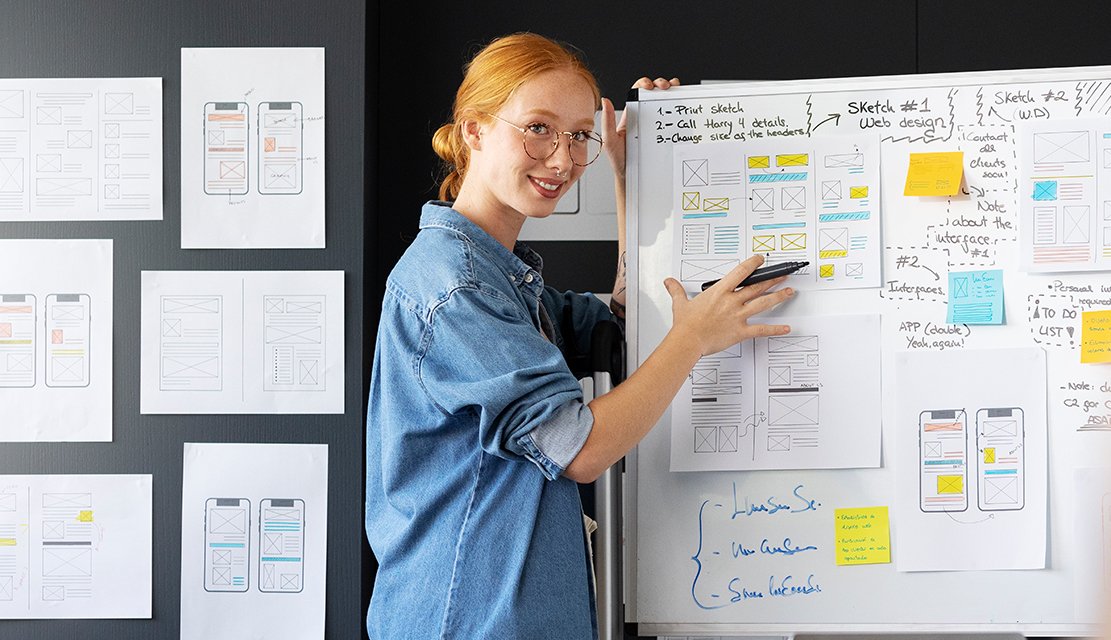
Our designers document the physical environments where the AR experience will live, capturing dimensions, surfaces, lighting conditions, and common user postures. We define spatial zones for primary content, secondary controls, and ambient information based on ergonomic data and field research. This phase produces environment profiles and spatial layout guidelines that ground all subsequent interface decisions in real-world context.

We define every input method the interface will support, whether touch, gesture, gaze, voice, or controller-based, and map each to specific user tasks. Interaction flows are documented with clear entry points, transition states, error recovery paths, and confirmation patterns. The deliverable is a complete interaction specification that development teams can reference without ambiguity.

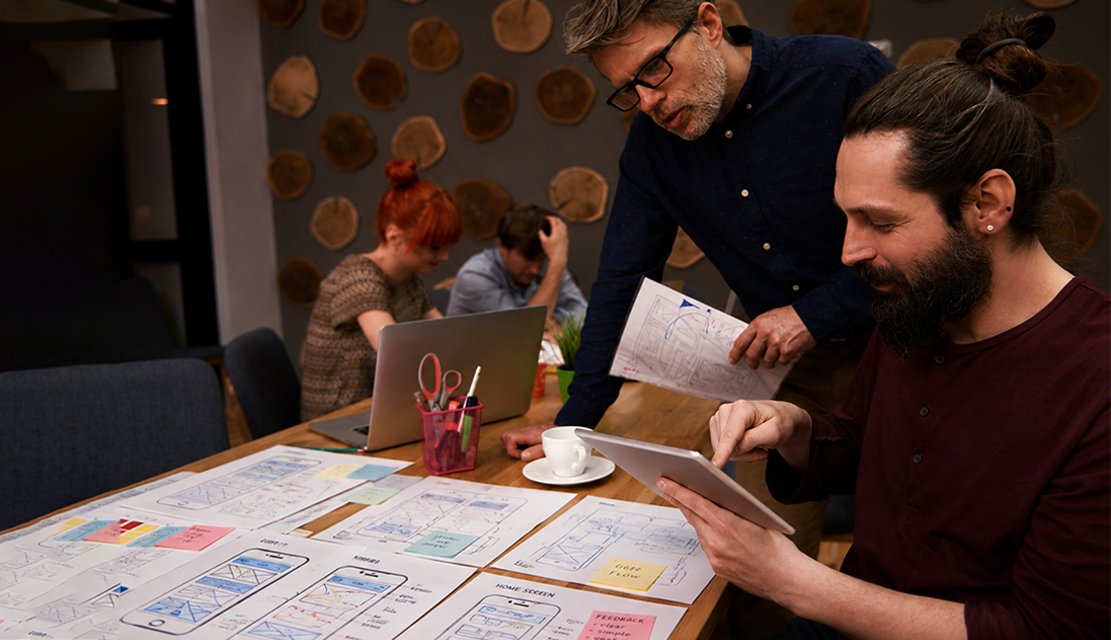
Interface concepts move into three-dimensional prototypes tested on target hardware, not flat screen simulations. We evaluate depth placement, element scale, occlusion behavior, and visual legibility across varied conditions. Usability sessions with representative users identify friction points and validate that the ar ux design performs as intended in authentic spatial contexts.

Validated layouts receive final visual treatment, including typography scaling for spatial readability, color systems optimized for mixed-reality contrast, and motion design calibrated for spatial perception. Every visual decision is tested against accessibility standards and platform-specific rendering constraints. The output is a production-ready design system with components, tokens, and usage documentation.

We deliver annotated design specifications, asset libraries, and integration guidelines formatted for the client’s development stack. Our team remains available for implementation reviews, ensuring spatial fidelity is maintained during engineering. Post-launch, we provide usability monitoring recommendations and iteration frameworks so the interface evolves alongside user behavior and platform updates.
Across 1,000+ client engagements spanning healthcare, retail, education, and industrial operations, our team has designed spatial interfaces that solve real operational and consumer challenges. Explore selected projects to see how research-led ar interface design translates into measurable outcomes.
Our approach to augmented reality ui design is built on three principles: scalability across devices, compliance with industry-specific standards, and measurable impact on user adoption. Whether the client is a startup validating a spatial commerce concept or an enterprise deploying AR training across global facilities, we calibrate design complexity, testing rigor, and documentation depth to match organizational maturity and growth trajectory.
Our ar interface design services extend across healthcare, where spatial interfaces guide surgical workflows and patient education; retail and e-commerce, where product visualization drives purchase confidence; manufacturing and logistics, where hands-free overlays reduce error rates; education and training, where immersive simulations accelerate skill acquisition; real estate, where spatial walkthroughs replace static listings; and automotive, where heads-up displays demand distraction-free legibility. This cross-sector experience creates a pattern library that accelerates timelines and reduces design risk for every new engagement.
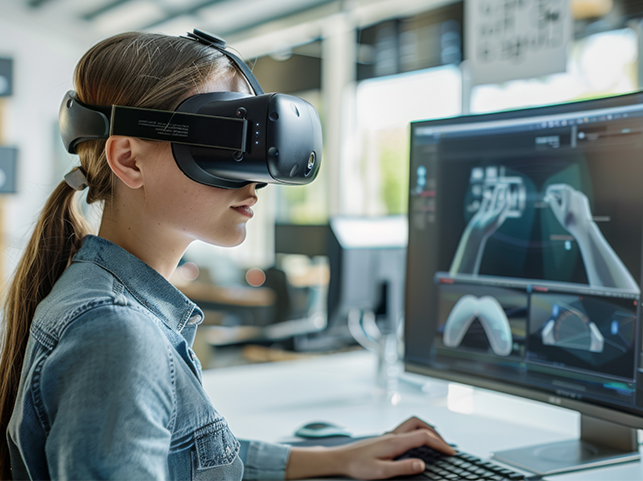
Designing for augmented reality demands more than visual creativity. It requires spatial thinking, hardware fluency, and a systematic approach to validating assumptions in three-dimensional environments. Our ar interface design company in India has earned recognition for combining deep UX discipline with spatial computing expertise, producing interfaces that perform reliably across conditions, devices, and user skill levels.
Research Before Rendering : Every spatial design decision traces back to observed user behavior and environment data, never to trend-driven assumptions or aesthetic preferences alone.
Hardware-Aware Design Systems : Our interface components adapt across ARKit, ARCore, WebXR, and head-mounted platforms without requiring separate design efforts for each device class.
Measurable Spatial Usability : We define and track spatial usability metrics like task completion in 3D, gaze fixation accuracy, and gesture error rates to validate every design iteration quantitatively.
We select tools based on project requirements and platform targets, ensuring every augmented reality user interface is prototyped, tested, and delivered using industry-standard spatial design and development environments.









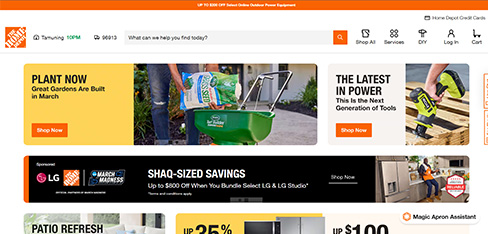
Home Depot customers were hesitant to commit to major home improvement projects because they could not visualize how products would actually look in their spaces. This hesitation delayed purchases and when customers did buy, returns were expensive because products did not match expectations. UX Stalwarts designed AR visualization that finally let customers see products in their real rooms before buying. Reducing returns $89 million and increasing project confidence 78 percent transformed AR from novelty to business necessity. The 2.3x conversion of AR users proved visualization drives purchases. This is how physical retailers compete in digital commerce.
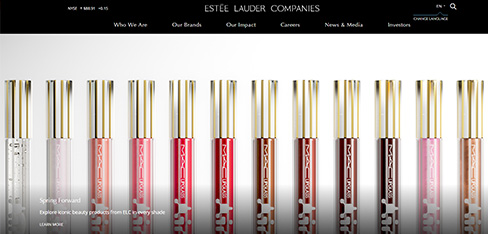
Estée Lauder’s prestige beauty brands were built on in-store testing and consultation, but customers were moving online where they could not try products before buying. Digital conversion was dismal because hesitation without testing prevented purchases. UX Stalwarts designed an AR try-on that finally replicated the magic of testing makeup. Growing AR user conversion to 67 percent and generating $340 million in incremental revenue proved AR is not a gimmick — it is the future of beauty commerce. The 2.6x lifetime value of AR customers showed this technology creates loyal digital buyers.
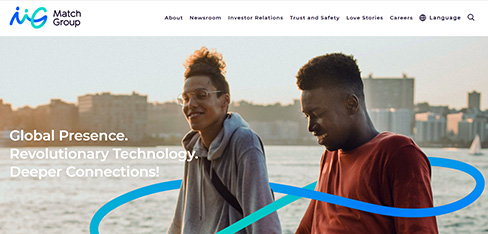
Match Group faced a trust crisis. Users were filtering and editing photos so heavily that first dates became disappointments, and skepticism about profile authenticity was suppressing matches. UX Stalwarts designed AR that balanced authenticity with flattering presentation. Growing match rates 43 percent and improving first date satisfaction from 6.8 to 8.4 proved AR can solve authenticity without punishing users. The 78 percent positive body image sentiment showed this technology empowers people rather than creates unrealistic standards. This AR innovation is how we compete on quality, not just volume.
Evaluating an AR design partner? Here are answers to the questions decision-makers ask most often.
Start by evaluating whether the agency has dedicated spatial UX expertise or primarily offers general app development with AR added as an afterthought. Look for documented process methodology, spatial prototyping capabilities, and a portfolio showing interfaces tested on actual AR hardware. Ask about their approach to usability validation in three-dimensional environments, as this separates design-led agencies from those that rely on developer intuition. Cross-industry experience matters too, since spatial design patterns from healthcare or manufacturing often improve outcomes in seemingly unrelated sectors like retail or education. Choosing a specialized ar interface design firm prevents most of these pitfalls.
Costs vary based on project scope, hardware targets, interaction complexity, and the number of user scenarios being designed. A focused AR interface for a single-device consumer app with straightforward interactions might start in the range of a few thousand dollars, while enterprise-grade spatial systems spanning multiple devices and complex workflows can reach significantly higher. The most reliable way to estimate cost is through a scoped discovery phase that defines requirements, interaction models, and platform constraints before committing to a full budget. Investing in structured discovery typically reduces total project cost by catching misalignment early. Every ar interface design service we deliver includes this scoping discipline.
Timelines depend on complexity, hardware targets, and the depth of usability testing required. A well-scoped consumer AR interface project with a single-device focus typically takes 8 to 14 weeks from discovery through production-ready handoff. Enterprise projects involving multiple devices, complex interaction models, and stakeholder approval cycles often extend to 16 to 24 weeks. We provide a detailed timeline estimate after the discovery phase, when scope and dependencies are clear enough to plan accurately. Established ar interface design firms india clients trust follow similar windows.
Traditional UI/UX design operates within fixed screen boundaries with well-established interaction patterns like taps, swipes, and clicks. Augmented reality ui design introduces spatial depth, environmental variability, and input methods like gestures, gaze, and voice. Designers must account for how virtual elements coexist with physical surroundings, how lighting and movement affect readability, and how users orient themselves in three-dimensional space. The cognitive demands on users are fundamentally different, requiring specialized research methods and prototyping tools that most traditional design workflows do not include. Augmented reality user interface design requires this specialized mindset.
Three things distinguish our approach. First, we conduct spatial context research before designing anything, studying actual environments, user postures, and hardware constraints. Second, we prototype and test in real AR environments rather than presenting flat mockups that simulate spatial behavior. Third, we deliver documented design systems that internal teams can maintain, rather than static design files that lose relevance after launch. This combination of rigor, realism, and long-term usability is uncommon in the ar interface design agency landscape.
Reach out with a brief description of your use case, target users, and hardware preferences. We schedule an initial conversation to understand your business objectives, technical constraints, and timeline expectations. From there, we propose a discovery engagement that defines scope, interaction models, and success metrics before committing to full design production. This structured approach protects both sides from scope drift and ensures alignment before significant investment begins. Engaging an ar interface design firm early protects the investment.
Yes. Our ar interface design services connect naturally with broader UX consulting, product design, design system development, usability auditing, and front-end prototyping. Many clients engage us initially for AR-specific work and expand the relationship to cover adjacent digital product needs. We also support teams building VR and mixed-reality experiences, applying similar spatial design principles adapted to fully immersive or blended environments. Our ar interface design company india teams handle these adjacent needs.
Every engagement is adapted to the client’s industry, hardware targets, user maturity, and internal team capabilities. We adjust the depth of research, the number of prototyping cycles, the extent of usability testing, and the format of deliverables to match organizational requirements. Some clients need lightweight interaction frameworks they can develop independently, while others require fully specified design systems with integration support. We calibrate accordingly. Every ar interface design service is calibrated to fit.
After handoff, we offer implementation review sessions where our designers work alongside your engineering team to ensure spatial fidelity is maintained during development. We also provide usability monitoring frameworks, iteration roadmaps, and periodic design audits for clients who want ongoing optimization. Support engagements are structured as retainers or project-based agreements, depending on the client’s preference and the product’s evolution pace. As an ar interface design company india businesses trust, we stay available.
Healthcare benefits from spatial interfaces that guide surgical planning and patient education. Retail and e-commerce gain from product visualization that boosts purchase confidence. Manufacturing and logistics use hands-free AR overlays to reduce operational errors. Education and training deploy immersive simulations that accelerate learning. Real estate leverages spatial walkthroughs that replace flat renderings. Automotive applies heads-up display design that must be distraction-free. Any industry where users interact with information in physical space stands to benefit from well-designed augmented reality interfaces. Strong user experience augmented reality work amplifies that impact.
We apply inclusive design principles throughout the process, accounting for motor, visual, cognitive, and situational accessibility constraints. This includes testing contrast ratios against varied real-world backgrounds, designing fallback input methods for users who cannot perform specific gestures, and ensuring that critical information is conveyed through multiple sensory channels rather than visual cues alone. We reference WCAG guidelines adapted for spatial contexts and conduct testing with diverse participant groups during the prototyping phase. Inclusive augmented reality user interface design widens product reach.
We design for the full spectrum of AR-capable hardware, including iOS devices using ARKit, Android devices using ARCore, web-based experiences using WebXR, and head-mounted displays like Meta Quest, Apple Vision Pro, and Microsoft HoloLens. Each platform has distinct field-of-view characteristics, input models, and rendering constraints that influence interface design decisions. Our cross-platform design system approach ensures visual and interaction consistency without forcing a lowest-common-denominator experience. Reputable ar interface design firms india clients hire support this full spectrum.
We define measurable usability metrics during the discovery phase, aligned with the client’s business objectives. Common metrics include task completion rate in spatial contexts, time-to-first-successful-interaction, gesture error rate, gaze fixation patterns, user satisfaction scores from post-session surveys, and retention or repeat usage rates after deployment. We provide measurement frameworks and analytics integration recommendations so clients can track performance independently after launch. These metrics validate user interface augmented reality decisions over time.
They can, but direct translation rarely works well. Flat interface patterns like dropdown menus, scrolling lists, and hover states do not map naturally to spatial environments. A thoughtful adaptation process involves identifying which user tasks genuinely benefit from spatial context, redesigning interaction patterns for three-dimensional input, and preserving brand consistency without forcing 2D conventions into 3D space. We evaluate each element of the existing interface and recommend which aspects to reimagine, which to simplify, and which to remove entirely for the AR context. A qualified ar interface design agency guides this translation carefully.
User testing is central, not supplementary. We conduct spatial usability sessions using actual AR hardware in representative environments, observing how participants interact with prototypes under realistic conditions. Testing happens at multiple stages, after initial interaction architecture, after spatial prototyping, and after visual refinement, so that findings compound rather than arrive too late to influence core decisions. Each round produces documented insights with prioritized design recommendations that feed directly into the next iteration cycle.

C – 81C, Sector – 8, Noida 201301, India


1025 Beamon Drive, Franklin 37064 Tennessee, USA
Sveavagen 34 111 34 Stockholm, Sweden
A-10, Sahastradhara Rd, Doon IT Park, Dehradun, Uttarakhand

© 2026 UX STALWARTS. All rights reserved.