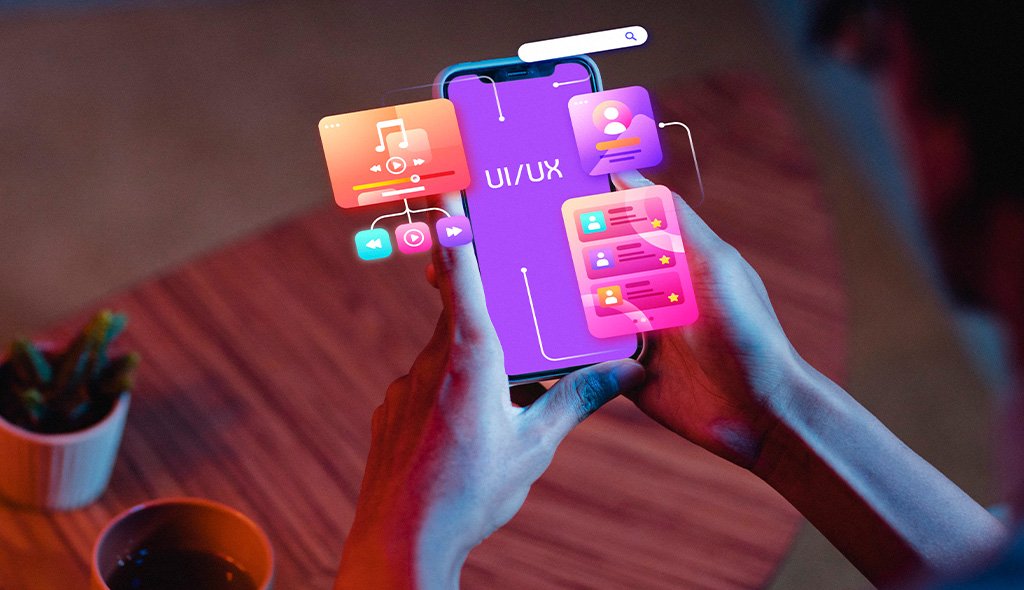
Game interfaces fail in moments players remember forever. A cluttered HUD blocks the action during a boss fight. A shop screen confuses a first-time buyer who abandons the cart. A settings menu buries the invert-Y toggle under three submenus. A seasonal event screen launches with legacy fonts mixing badly with new brand directions. Weak gaming UI design shows up as refund spikes on launch day, negative store reviews calling out menus specifically, tutorial completion rates falling below industry benchmarks, and community forums filled with screenshots of confusing screens. In games, interface friction translates directly into refunds, social media criticism, and the kind of word-of-mouth that sinks sequel budgets before preproduction even begins.
Our approach treats UI as a performance layer sitting between player intent and game systems, not a decoration on top of gameplay. Before any screen is produced, our team studies target player segments, platform constraints across mobile, PC, console, and VR, engine capabilities in Unity or Unreal, and the specific moments where interface decisions either support flow or break immersion. From there we deliver research-backed information architecture, HUD systems, menu flows, shop and progression screens, settings and accessibility panels, live-ops event templates, and component libraries tuned for game-specific density. As a specialized gaming UX UI design studio, we engineer the moments that shape retention: onboarding, first purchase, defeat recovery, and seasonal return.
Eighteen years of design work across thirty-plus countries gives our team real fluency in how player expectations shift across regions, platforms, and genres. UX Stalwarts has partnered with indie founders shipping first titles and with established studios modernizing aging UI stacks for long-running live-service games. Our designers study gameplay footage, work alongside technical artists, collaborate with engine programmers, and speak the vocabulary of diegetic interfaces, frame budgets, input latency, controller navigation, monetization ethics, and accessibility standards like those set by CVAA and the Xbox Accessibility Guidelines. That grounding separates decorative mockups from a video game UI design company genuinely capable of shifting retention, tutorial completion, and monetization numbers that studios actually track.

Strong game UI often disappears into the world. Our team knows when to build diegetic interfaces woven into the game fiction and when to use traditional HUDs for speed and clarity. This choice is made deliberately per screen rather than defaulting to the easier path, protecting immersion where it actually matters.

Mobile, console, PC, and VR each impose different constraints on frame budgets, input methods, reading distances, and player attention. Our designs respect these realities from the first wireframe, so interfaces ship cleanly across builds without requiring expensive post-certification rework before platform submission deadlines arrive.

Unity and Unreal pipelines shape what UI can realistically ship. Our team collaborates directly with engine programmers, technical artists, and tools engineers so designs hand off cleanly into UGUI, UMG, or custom engines. Files arrive production-ready rather than requiring translation during the final crunch weeks before submission.

Shop screens, battle passes, and IAP flows carry reputational stakes alongside revenue ones. Our monetization UI is designed for honest value exchange rather than predatory dark patterns. This protects studios from regulatory scrutiny, platform policy changes, and community backlash while still supporting commercial goals that keep servers running.

Colorblind modes, subtitle quality, input remapping, motor-impairment settings, and difficulty adjustments are designed in rather than patched on post-launch. Accessible games reach wider audiences, earn certification faster, and build communities that become long-term ambassadors for studios willing to invest in inclusive design thinking.

Modern games evolve through seasons, events, and patches that run for years. Our collaboration model supports that long cycle with structured design libraries, reusable event templates, and written decision logs so internal UI teams can extend the system confidently after our direct engagement transitions into ongoing support.
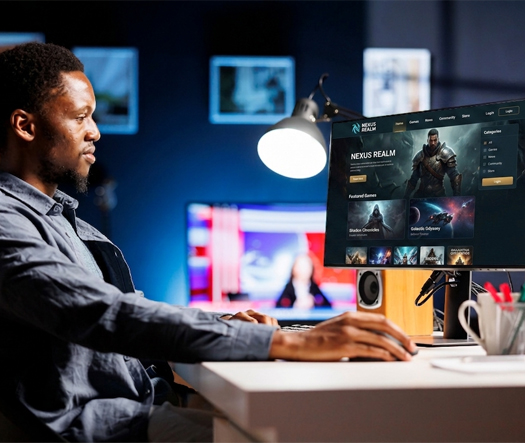
Game interfaces carry measurable commercial consequences. A cluttered HUD kills tutorial completion. A confusing shop screen drops first purchase conversion. A rushed seasonal event UI triggers refund waves. Strong video game interface design shifts metrics that compound across launch windows and live-service years: tutorial completion rates climb, day-one retention grows, first-purchase conversion improves, and community sentiment around menus and readability becomes a strength rather than a recurring complaint. A thoughtful game UI design agency understands player psychology, platform realities, and the quiet moments where a single unreadable tooltip costs a studio thousands of dollars in refund processing and support tickets combined.
Partner with specialists who design game interfaces players genuinely enjoy.
Every engagement follows a deliberate sequence built to align with game production milestones, certification windows, and live-service seasons across every platform.

We begin by stepping inside your game. Design docs, playable builds, engine capabilities, target platforms, genre conventions, and audience expectations are reviewed alongside commercial goals for tutorial completion, monetization, and retention. Existing analytics, playtest feedback, and community sentiment establish the measurable baseline every design decision must eventually improve across the product.

Games span first launch, onboarding, core loop, defeat recovery, progression, purchase, and seasonal return. We map each moment with player emotion, information needs, input context, and time pressure documented explicitly. These flow artifacts guide every screen decision so HUD, menu, and shop experiences feel unified rather than authored by different teams during different sprints of production.

Game UI requires a clear visual grammar. Fonts for readability at distance, iconography for universal comprehension, color codes for state communication, and motion principles for feedback timing are codified into a system before individual screens are detailed. Diegetic versus non-diegetic choices are made per surface rather than applied blanket across the entire experience.

High-fidelity HUD layouts, menu systems, shop and progression screens, settings panels, and seasonal event templates ship alongside a component library tuned for game-specific density. Animation specs, sound cues, and localization expansion budgets are documented so UI behaves identically across English, Japanese, Arabic, and right-to-left languages during certification review.

Designs are tested with real players across target platforms before production commits engineering cycles. Tutorial readability, menu navigation under controller constraint, shop comprehension across literacy levels, and accessibility settings usability all get validated in build. Findings drive documented revisions so launch-day UI meets both platform certification and player expectations consistently.

Post-launch, cohort data guides continuous refinement. Tutorial completion, first-purchase conversion, menu friction reports, accessibility setting adoption, and seasonal event engagement are monitored against the Phase One baseline. Where gaps emerge, revisions ship in structured sprints aligned with patch and event calendars so the interface keeps improving season after season across long live-service windows.
Drawn from over one thousand engagements, these projects reflect measurable outcomes across mobile games, PC titles, console releases, and live-service platforms worldwide.
Foundational values behind every gaming engagement are player respect, platform discipline, and production pipeline honesty. Teams evaluating top gaming UI design agencies weigh genre fluency against production experience, and both matter in real game development. From indie founders preparing first console submissions to established studios modernizing long-running live-service titles, our team operates across the maturity spectrum. Design decisions balance immediate player needs against the architectural runway required for seasonal content, platform expansion, and certification review.
Industry coverage spans hyper-casual mobile games, mid-core RPGs, console action titles, PC simulation and strategy games, multiplayer shooters, casino and real-money gaming, sports games, children’s learning games, and VR experiences. Our mobile game UI design services extend across free-to-play, premium, and subscription titles. Interactive game interfaces across these categories give our designers a transferable library of patterns shaped by UI UX design for games across very different genres, audience expectations, and platform distribution realities.
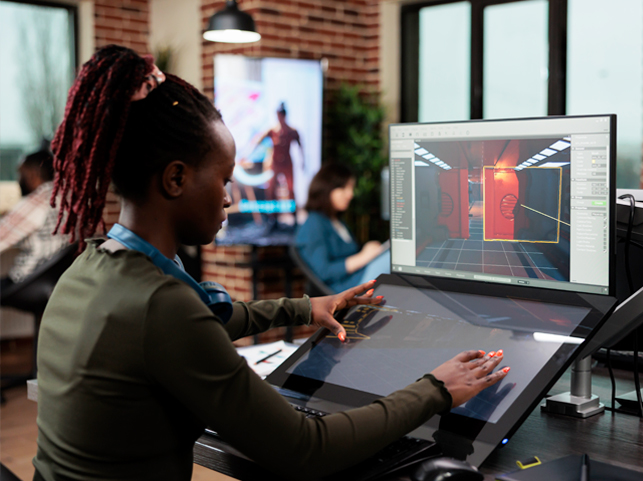
Choosing the best game UI UX design company comes down to production fit, not reputation alone. UX Stalwarts has been cited in game development publications, shortlisted for international design awards, and referenced in studio case studies because the output lifts tutorial completion, retention, and player satisfaction rather than just refreshing visual mockups for marketing screenshots. Three commitments explain why studios repeatedly pick our team across different projects.
Craft Tied To Production Reality: Every design ships aware of engine constraints, localization expansion, and certification requirements, so files hand off without the expensive surprise rework common in rushed studios.
Monetization Ethics As Standard: Shop screens and progression systems are designed for honest value exchange rather than predatory patterns that draw regulatory heat and damage long-term studio reputation.
Accessibility Designed In: Colorblind modes, remapping, subtitles, and motor-impairment settings are treated as core work, widening audience and easing platform certification without costly late-stage patches.
Our studio uses category-leading tools selected for production collaboration speed, engine handoff accuracy, and iteration velocity across every custom game UI design and gaming UX design services engagement we run.









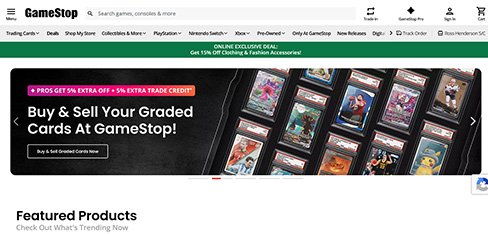
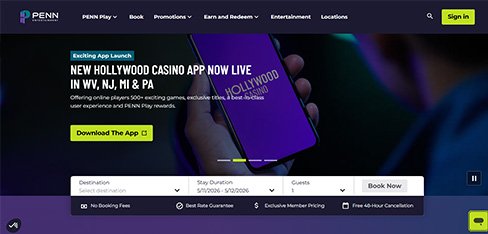
We are a gaming company with a loyalty app that had no game to it. UX Stalwarts designed an experience that makes earning and redeeming rewards as entertaining as our casino floors. Daily usage nearly doubling and offer redemption quadrupling proved that gamifying loyalty drives the on-property spending that fuels our business.
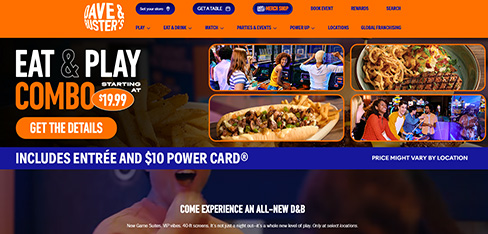
Our tournaments were run on spreadsheets and Discord which limited scale and created constant disputes. UX Stalwarts built a professional tournament platform that makes competitive gaming accessible to casual players. Participation growing 3.4X and disputes dropping to 3 percent transformed our stores into community gaming hubs that drive both engagement and merchandise revenue.
Our casino floors are massive and guests were playing the same familiar machines because discovering new games meant wandering. UX Stalwarts designed an app that makes our floor explorable and discoverable. Gaming revenue increasing 14 percent per visit and guests spending 18 more minutes on the floor proved that navigation UX directly drives gaming economics.
The questions game studios ask before choosing a UI design partner.
Start with production specificity. A studio that has never shipped a game UI into a certified build on console or a platform-approved mobile store will miss where gaming interfaces actually fail under real production constraints. A proven game UI design agency brings engine fluency, certification awareness, and genre literacy rather than just motion-heavy showreels. Ask for before-and-after tutorial completion numbers, refund reduction metrics, and localization pass rates rather than aesthetic case studies. Check component libraries designed for live-service extension. Candidates among top gaming UI design agencies defend decisions to production, engineering, live-ops, and commercial leads in one meeting. Ability to compare game UI design companies on shipped outcomes matters far more than portfolio polish. Gaming UI Design solutions.
Pricing for gaming UI design services varies with scope, platform count, and genre complexity. A focused UI audit on an existing game typically starts in the low five figures. A complete video game UI design company engagement covering research, player flow, interface grammar, screen craft, and a live-service-ready component library usually runs mid-five to six figures. Premium AAA projects with multi-platform certification, extensive localization, and live-ops support reach higher. Gaming UI design services pricing ultimately depends on platform count, monetization surface depth, accessibility requirements, localization languages, and live-service runway. Transparent scoping prevents commercial surprises during milestone reviews with publishing partners who need predictable delivery timelines for certification planning. Hire Gaming UI Design Agency, Game UX Design Agencies. Gaming UI Design companies.
Timelines depend on scope and platform count. A targeted UI audit with prioritized recommendations typically takes four to six weeks. A single-surface redesign like a menu system or shop flow runs eight to twelve weeks including playtest validation. A complete UI UX design for games engagement covering discovery, player flow mapping, interface grammar, screen production, and a documented component library generally runs twenty to twenty-eight weeks aligned with game production milestones. Live-service retainer work for seasonal events and patches extends indefinitely. We scope in two-week milestones aligned with your internal sprint cadence so production, engineering, and QA teams can evaluate progress continuously rather than only at major milestone reviews. Mobile Game UI Design Companies, Gaming UI Design solutions.
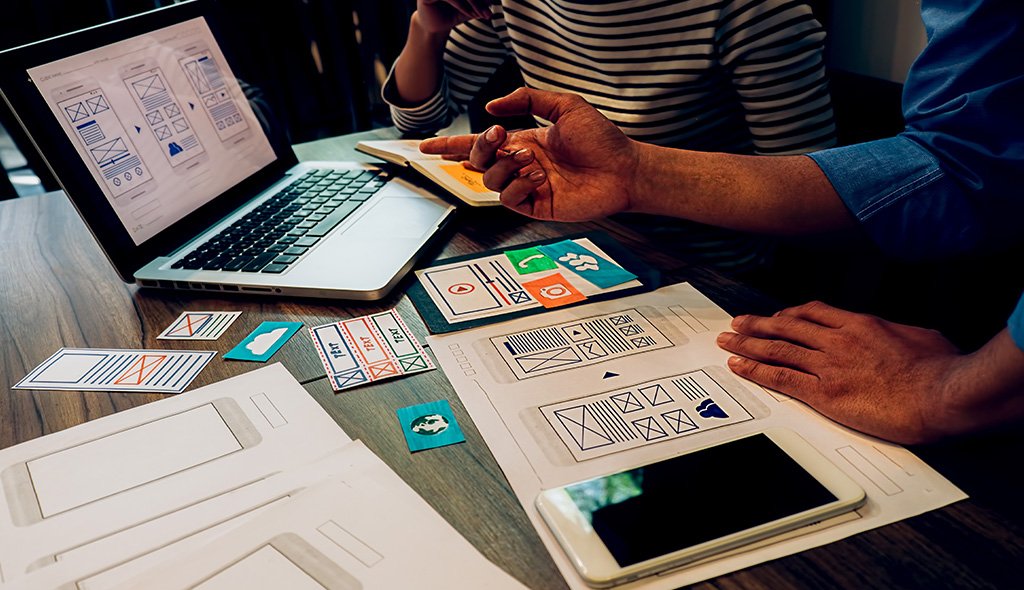
A structured engagement follows six sequential phases. First, game discovery collects design docs, builds, engine context, and platform requirements. Second, player flow mapping documents onboarding, core loop, defeat recovery, progression, and purchase journeys. Third, interface grammar codifies fonts, iconography, color logic, and motion principles before individual screens. Fourth, screen craft produces high-fidelity HUD, menu, shop, and event surfaces against a component library. Fifth, playtest validation tests designs with real players across target platforms in build. Sixth, live-ops iteration tracks post-launch metrics across patch cycles. Each phase ends with a signed-off deliverable aligned with your production milestones. This sequencing reflects principles of game interface design drawn from many shipped engagements. Game UI Wireframe Design, Game UI Prototyping Services. Gaming UI Design firms.
Three things separate our gaming work. First, craft tied to production reality. Every design ships aware of engine constraints, localization expansion, and certification requirements. Second, monetization ethics. Shop screens and progression systems avoid predatory patterns drawing regulatory heat and damaging studio reputation long-term. Third, accessibility designed in rather than patched post-launch. A proven gaming UX UI design practice applying these commitments consistently appears on shortlists when studios evaluate partners for the best game UI UX design company. Portfolio polish alone rarely reveals whether a studio has actually shipped UI into certified builds, supported live-ops across years of content, or navigated the compressed schedules publishers impose during final submission windows. Game UX Design Agency, Game UX Design Company. Gaming UI Design companies.
Starting is deliberately lightweight. A brief discovery call covers game stage, target platforms, engine choice, audience segments, known production pain points, and desired outcomes. Within five working days you receive a scoped proposal covering phased milestones aligned with your production schedule, deliverable samples, team composition, timeline, and commercial terms under NDA. A paid pilot sprint focused on one high-leverage surface like a shop redesign or tutorial flow is available for teams wanting to test chemistry before committing to full engagement. Most studios move from first conversation to kickoff within two to four weeks. You can begin with a short enquiry, share build documentation under NDA, or explore related capabilities through our broader UX design services page. Hire Game UI Designer.
Several adjacent capabilities compound the impact of game UI. A mature design system accelerates every patch, seasonal event, and DLC release while protecting consistency across store pages, companion apps, and in-game surfaces. Conversion rate optimization sharpens store-page and companion-app funnel performance. UI prototyping for games, game wireframing, and UI animation for games pair closely with core screen production, while dedicated playtest programs support pre-launch validation. Selection depends on game stage; pre-production focuses on grammar and prototyping, production emphasizes screen craft and playtesting, and live-service operations gain more from component-library stewardship and ongoing optimization across seasonal releases over long timelines. Mobile Game UI UX Design Services, Video Game UI UX Design Services, Best game UI design Agency. Gaming UI Design firms.
Every engagement is scoped around the specific game, not a template. A hyper-casual mobile game has different needs than a premium PC strategy title. A VR experience requires different hierarchy than a console action RPG. A free-to-play mobile RPG demands different shop psychology than a premium console release. Our mobile game UI design agency work for casual and mid-core mobile titles differs from video game interface design for console and PC releases. Custom game UI design for VR and mixed-reality titles follows different input and readability rules entirely. Discovery produces a custom engagement plan accounting for genre, platform, engine, audience, monetization model, and live-service plans. Sprint cadence adjusts to your production pipeline. Game UI Animation Design, Game UX Optimization Services.
Yes, and it is where meaningful long-term wins show up. After launch, live-service games need constant UI extension for seasonal events, new content releases, limited-time offers, and balance updates. Retainer options cover ongoing screen production, component library expansion, seasonal theme development, usability research on new mechanics, and accessibility improvements across patches. A dedicated mobile game UI design services team or live-ops-focused game UI design company partnership keeps that rhythm consistent across years of content cycles. UX research for gaming apps plays a central role in these retainers, covered in our guide to remote usability testing that applies equally to distributed playtest panels recruited globally for live-service games. Hire Gaming UI Design Agency, Game Interface Design company, Hire Game UX Designer.
Coverage spans hyper-casual mobile, mid-core RPGs, console action games, PC simulation and strategy titles, multiplayer shooters, casino and real-money gaming, sports games, children’s learning games, and VR experiences. Clients range from indie founders to established publishers operating across India, the United States, the United Kingdom, the European Union, the GCC, and Southeast Asia. A regionally experienced team understands that Indian mobile gaming favors hyper-casual and real-money formats, SEA markets have strong mid-core RPG communities, EU publishers navigate strict PEGI and GDPR requirements, and GCC markets increasingly demand Arabic localization with right-to-left layout support. Pattern transfer across genres is deliberate and sharpens interface decisions. Game UI Wireframe Design, Game UI Prototyping Services, Game UX Optimization Services, Game UI Animation Design.
Retention in games reflects UI decisions as much as gameplay decisions. Our method combines four techniques. First, tutorial pacing respects player intelligence rather than over-explaining, with skip options for returning players. Second, HUD density adapts over time, showing more as players progress instead of overwhelming newcomers immediately. Third, defeat recovery screens reframe failure as progress rather than punishment, nudging continued play without manipulation. Fourth, progression visualization celebrates incremental wins at moments players emotionally need them. Gaming UI design best practices and game UX design guidelines applied with this discipline lift tutorial completion rates and day-one retention measurably without requiring any gameplay changes that would affect code. UI Design for Games, Game UX Design Agency, Game UX Design Company. Game Product Design Agency.
Accessibility shapes design inputs rather than post-launch patches. Before screens are drawn, our team maps accessibility expectations across target platforms: colorblind modes for deuteranopia and protanopia, full input remapping for motor impairments, subtitle quality standards including speaker identification and background opacity, screen reader support where platform allows, adjustable UI scaling, and difficulty modifiers that support wider player ability ranges without compromising core gameplay integrity. Xbox Accessibility Guidelines, Game Accessibility Guidelines, and CVAA requirements are referenced explicitly during design. Our article on UX accessibility audits covers broader inclusive design thinking applied to player experience optimization across ability spectrums. Game user interface design firms, Game user interface design solutions, Mobile Game UI Design Companies, Game UI UX Design Agency. Game Interface Design Agency.
Cross-border game releases demand more than translated strings. Font support for CJK languages, right-to-left layouts for Arabic and Hebrew, text expansion for German and Russian, and cultural symbol sensitivity vary sharply by market. Our approach builds UI systems that localize without breaking layouts, accounting for vertical space changes, icon cultural meaning, and rating board requirements like PEGI, ESRB, and USK. Our article on multi-language interface design for global platforms covers the broader approach. Responsive game UI design that anticipates international launch requirements from day one costs less than retrofitted localization during certification crunch when every text-overflow bug delays submission. Mobile Game UI UX Design Services, Video Game UI UX Design Services, Mobile Game UI Design Agency, Game UX Design Agencies.
Yes. Game design systems carry specific requirements beyond general product systems. Components must handle HUD layers, interactive tooltips, shop cards, progression meters, damage numbers, seasonal event themes, multi-resolution scaling from mobile through 4K, controller focus states, and localization expansion across languages. Our system engagements produce tokenized foundations, a production-ready component library, documented animation patterns via tools like Rive and Spine, and engine-ready handoff kits for Unity UGUI or Unreal UMG. For live-service games, long-term stewardship matters as much as initial build, which we explore in our article on design system governance applied to game production contexts. Best game UI design Agency, Game user interface design firms, Game user interface design solutions, Game UI UX Design Agency, Game Product Design Agency.
Measurement begins before design. During discovery we capture baselines for flows being redesigned: tutorial completion rate, day-one and day-seven retention, first-purchase conversion, shop browse-to-buy conversion, menu abandonment rates, refund reasons, and community sentiment around UI specifically across forums and app stores. After launch the same metrics are re-measured at thirty, sixty, and ninety days, and across every patch cycle for live-service titles. Secondary signals include accessibility setting adoption, localization quality scores, and controller-navigation completion rates. Quarterly reviews tie design decisions back to lifetime value and cost per install. Game usability testing across platforms keeps measurement honest rather than cosmetic. Game Interface Design company, Game Interface Design Agency, Hire Game UI Designer, UI Design for Games, Hire Game UX Designer.

C – 81C, Sector – 8, Noida 201301, India


1025 Beamon Drive, Franklin 37064 Tennessee, USA
Sveavagen 34 111 34 Stockholm, Sweden
A-10, Sahastradhara Rd, Doon IT Park, Dehradun, Uttarakhand

© 2026 UX STALWARTS. All rights reserved.